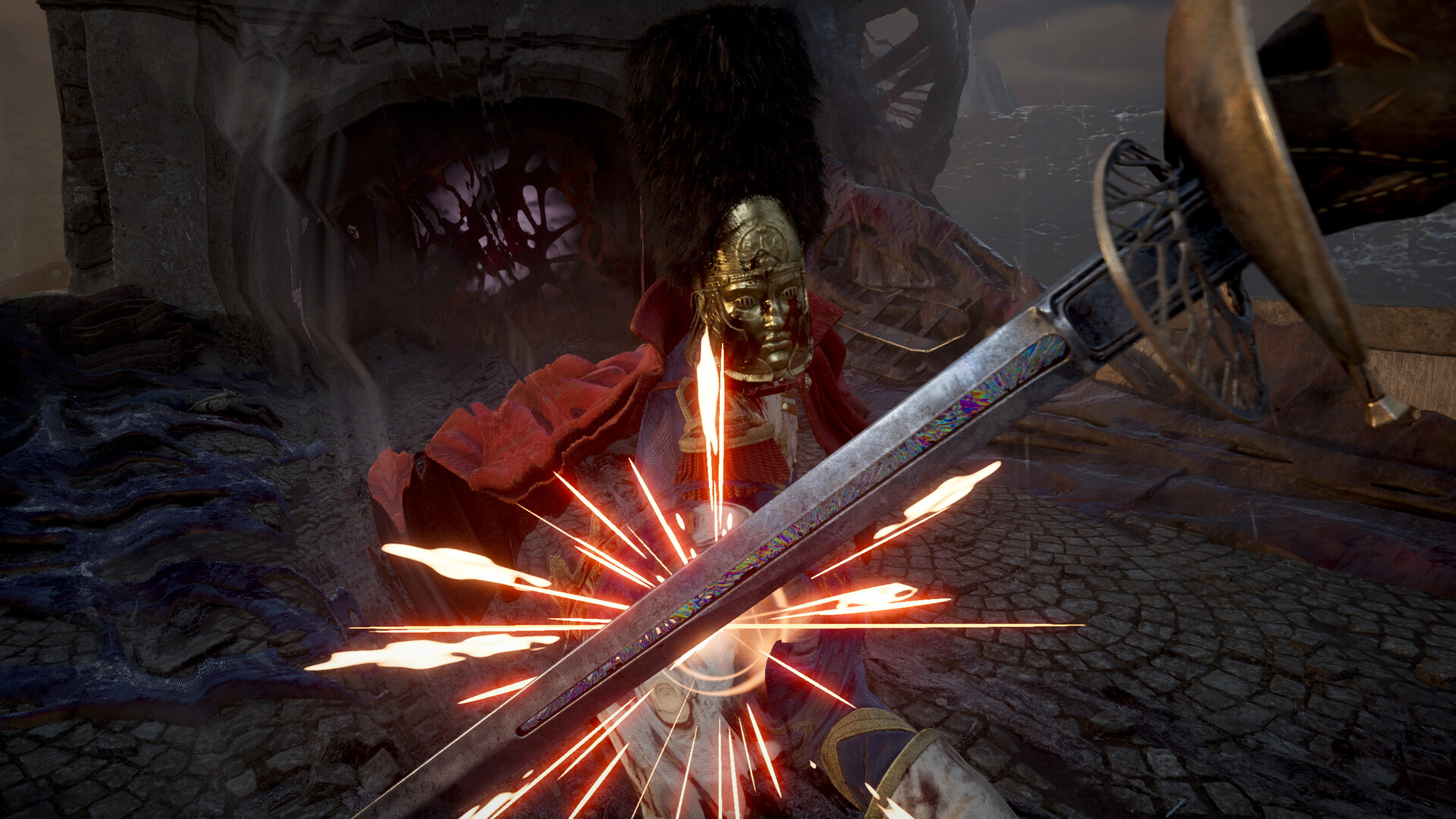
Valor Mortis Access and Setup
Valor Mortis is a paid, single-player game available for Windows PC on Steam, PlayStation 5 and Xbox Series X|S. The full game released on October 13, 2026.
Open Valor Mortis on Steam for the Windows PC full game.
Open Valor Mortis on Xbox to review purchase and eligible subscription access.
Demo, Multiplayer, Platforms and Release
- How can I get the Valor Mortis demo?
- The developer announced that the Steam demo would go offline on September 8. Use the full game's Steam page for current access options. The released Steam game is a paid product, so check which product you are choosing before downloading.
- How does the demo differ from the full game?
- The demo used bespoke versions of Chapter I and Chapter VII created for Steam Next Fest. The developer said those versions no longer represented the full release's polish, optimization and balancing. If you played the demo, judge the released campaign separately from those earlier slices.
- Can I play Valor Mortis with friends?
- No. Valor Mortis is listed as single-player on Steam and the official Xbox store, with no advertised multiplayer or cooperative mode. You play alone, so there is no co-op party size to arrange before starting.
- Which platforms support Valor Mortis?
- Valor Mortis launched for Steam PC, PlayStation 5 and Xbox Series X|S. The Xbox listing also includes PC, Xbox Cloud Gaming and compatible handheld devices through supported Xbox services. Choose the product and access method that match the device you intend to use.
- When did Valor Mortis release, and what updates followed?
- The full game released on October 13, 2026. The October 27 Halloween update added new Saber and Rapier critical attacks, cosmetics and fixes. The developer also announced New Game+ for later in 2026, describing carried-over progression and loot for a tougher repeat campaign.
Compare US Prices and Subscription Access
| Option | Details |
|---|---|
| Steam full game | USD $39.99 in the US price snapshot. |
| Xbox standard edition | $39.99 on the US Xbox store. |
| Xbox Deluxe Edition | $59.99 on the US Xbox store. |
| Eligible subscription access | Game Pass Ultimate and PC Game Pass subscribers can access the standard game through their subscriptions. |
- Is the full game free?
- No. The Steam full game is paid, while eligible Game Pass Ultimate and PC Game Pass subscribers can access the standard game through their subscriptions. Compare the purchase price with your existing subscription access before choosing how to play.
Controller, Settings and Language Options
- Should I use a controller or keyboard?
- Use the input you find most comfortable. Steam lists full controller support, including DualShock and DualSense support, so a controller is a supported choice for the Steam version. If you already prefer a controller, start there before spending time changing your setup.
- Which graphics settings should I start with on PC?
- Use Steam's hardware targets as your starting point: the minimum specification targets 30 FPS at 1080p on Low with upscaling, while the recommended specification targets 60 FPS at 1440p on Medium with upscaling. Both require an SSD. Start with the target closest to your hardware and assess performance before increasing graphics quality.
- Which sound and subtitle options are listed?
- The Steam version lists Custom Volume Controls and Subtitle Options. Review those options if dialogue, effects or captions are difficult to follow. Set them around your own listening and reading preferences before settling into the campaign.
- Is there a French-language option?
- Yes. French appears in the Steam version's supported-language list. The developer described fully voiced French as an addition they wanted to make after launch, so check the Steam language table carefully if French voice acting is essential to your purchase.
Check the Windows PC Requirements
- How can I check whether my PC can run Valor Mortis?
- Compare your PC with Steam's Windows minimum and recommended specifications below. Check the processor and graphics card alongside memory, operating system and storage. Match your intended graphics target to the corresponding specification before buying or downloading.
| Requirement | Details |
|---|---|
| Operating system | Minimum and recommended: Windows 10/11. |
| Processor | Minimum: Ryzen 5 3600 or Core i5-10600K. Recommended: Ryzen 7 5800X or Core i5-13400. |
| Memory | Minimum and recommended: 16 GB RAM. |
| Graphics | Minimum: RX 5600 XT or GTX 1660Ti. Recommended: RX 6800 or RTX 3070. |
| DirectX | Minimum and recommended: DirectX Version 12. |
| Storage | Minimum and recommended: 60 GB available space; SSD required. |
| Listed performance targets | Minimum: 30 FPS at 1080p on Low with upscaling. Recommended: 60 FPS at 1440p on Medium with upscaling. |
- Check that your installation destination is an SSD with the required available space.
- Include upscaling when comparing your intended setup with the listed performance targets.
- Keep your GPU drivers current, following the developer's PC stability recommendation.
Address Stuttering After the Demo or Playtest
If you played the earlier demo or playtest and now experience substantial stuttering, the developer recommends removing the old settings file. This advice specifically concerns affected PC players with settings left from those earlier versions.
- Update your graphics drivers to the latest version for your GPU.
- Close the game and keep a backup copy of your existing settings file before removing it.
- For substantial stuttering after the demo or playtest, remove GameUserSettings.ini from AppData\Local\ValorMortis\Saved\Config\Windows.
Steam Deck and Xbox Display Features
- What should Steam Deck players check?
- Check the Steam product page before choosing Steam Deck as your main way to play. The developer fixed a Steam Deck and SteamOS bug that could request a driver update even when drivers were already current. If that prompt appears, check for available game updates before treating it as a driver problem.
- Which display features does the Xbox listing include?
- The Xbox listing includes Xbox Series X|S optimization, HDR10, 4K capability and 60 fps+ support. Treat those as the listed capabilities when choosing a display setup. Check the available options on your own device before deciding which presentation you prefer.